

Verify Revenue – LemonSqueezy
Verify your revenue by adding your LemonSqueezy API key.
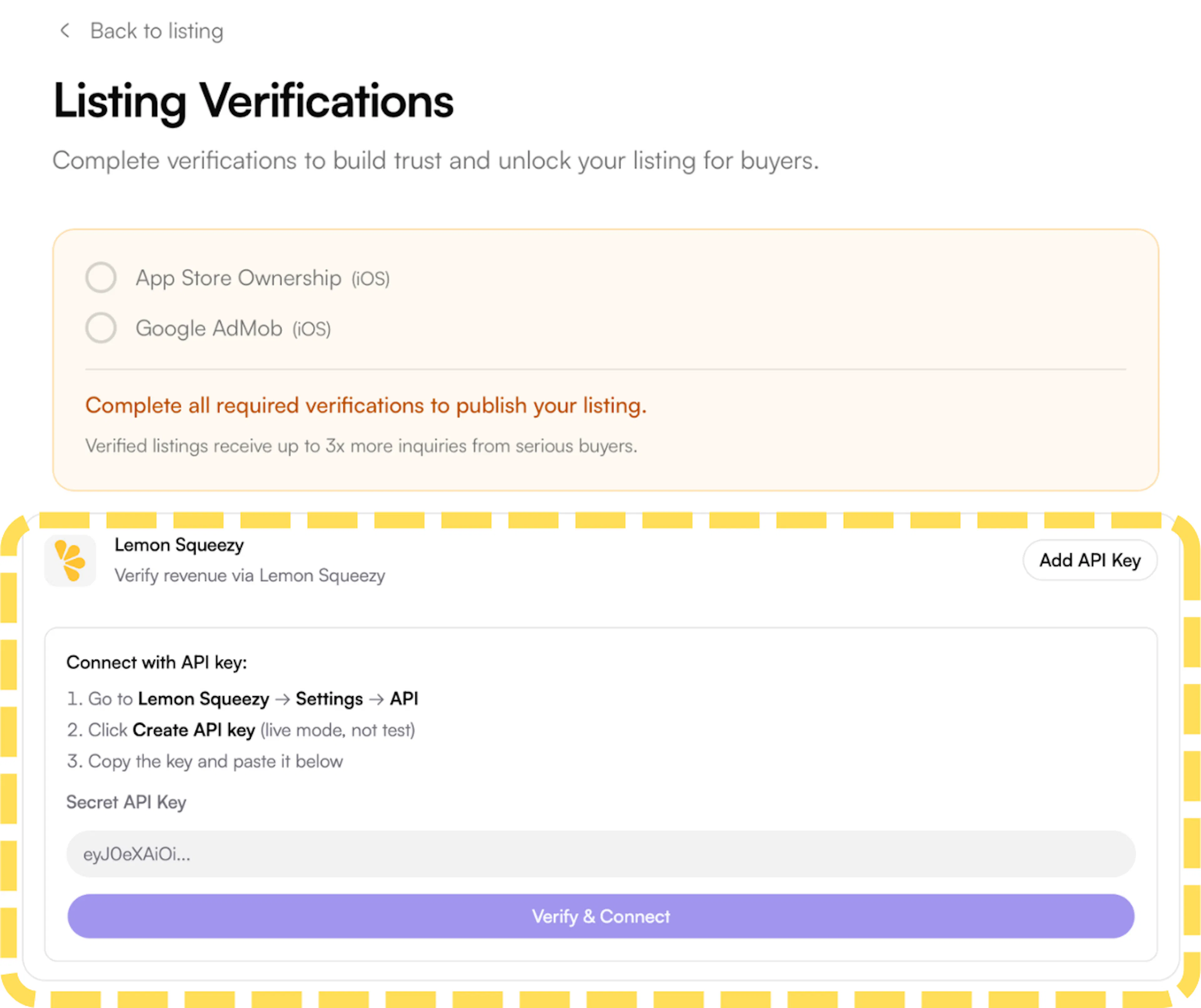
- On the Listing Verifications page, find Lemon Squeezy under the Revenue section and click Add API Key. A panel will expand with the steps and input field.
- Go to your Lemon Squeezy dashboard. In the left sidebar, click Settings to expand the menu, then select API.
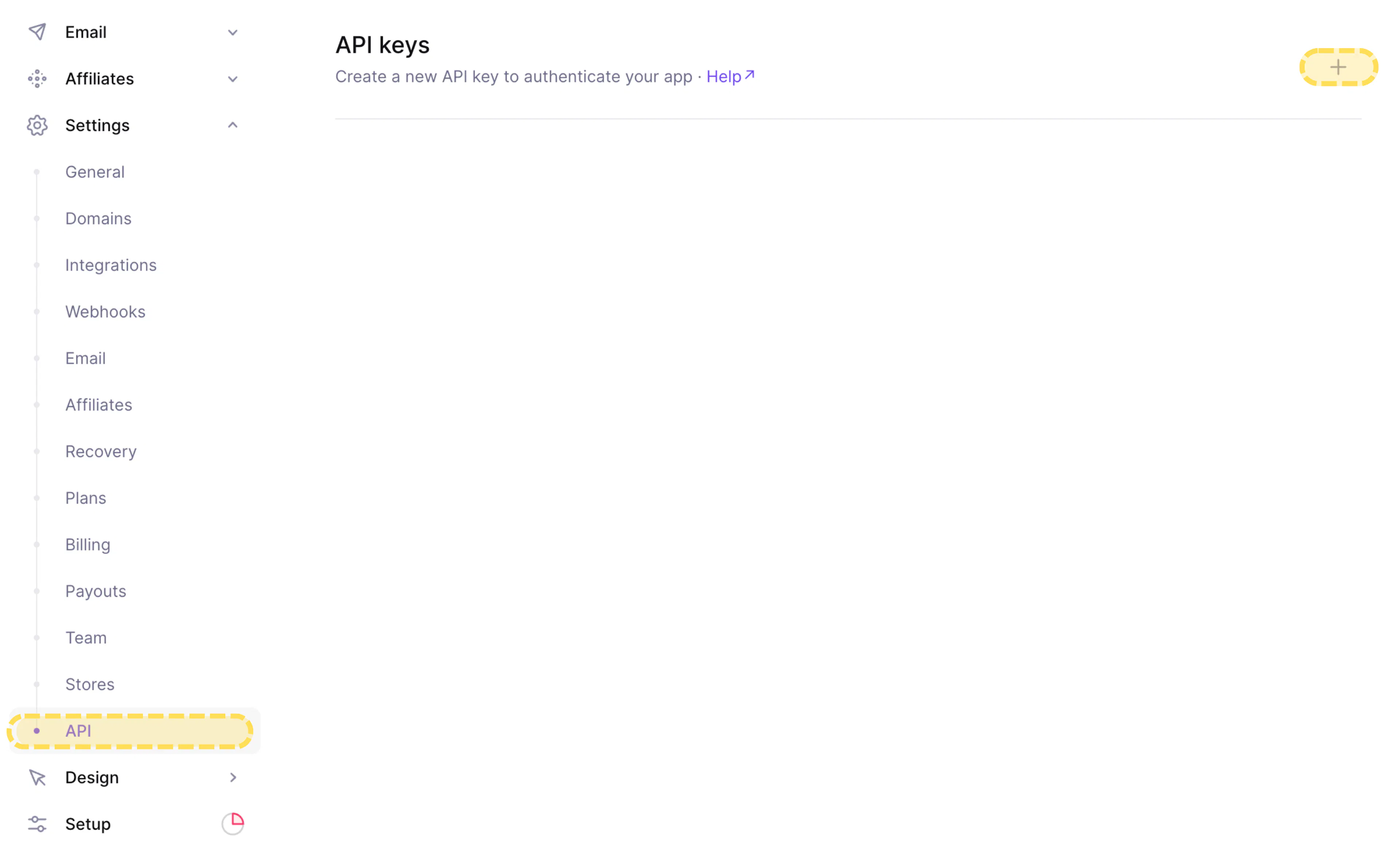
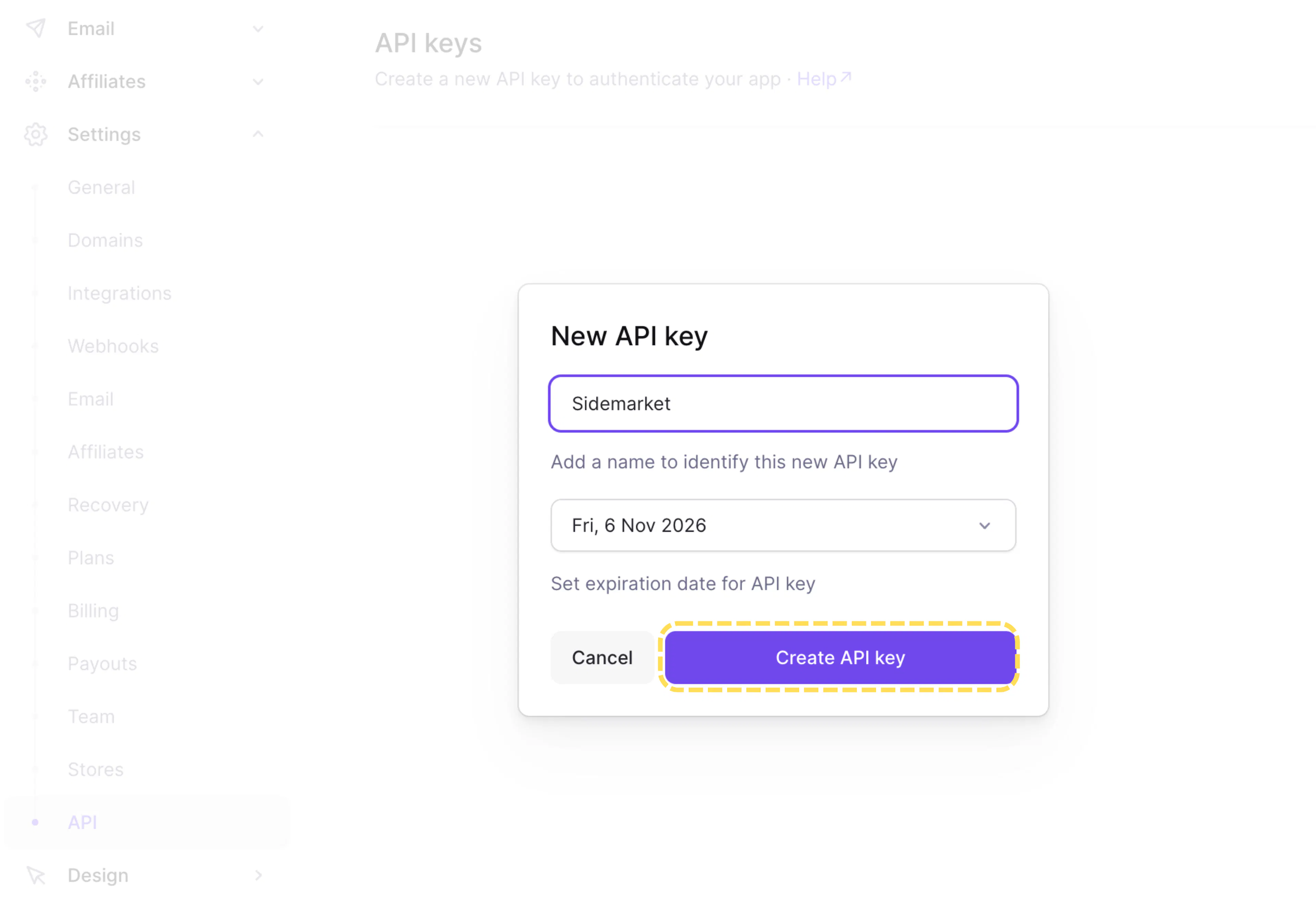
- On the API keys page, click the + button in the top-right to create a new key. Give it a name (e.g. Sidemarket), set an expiration date, and click Create API key.
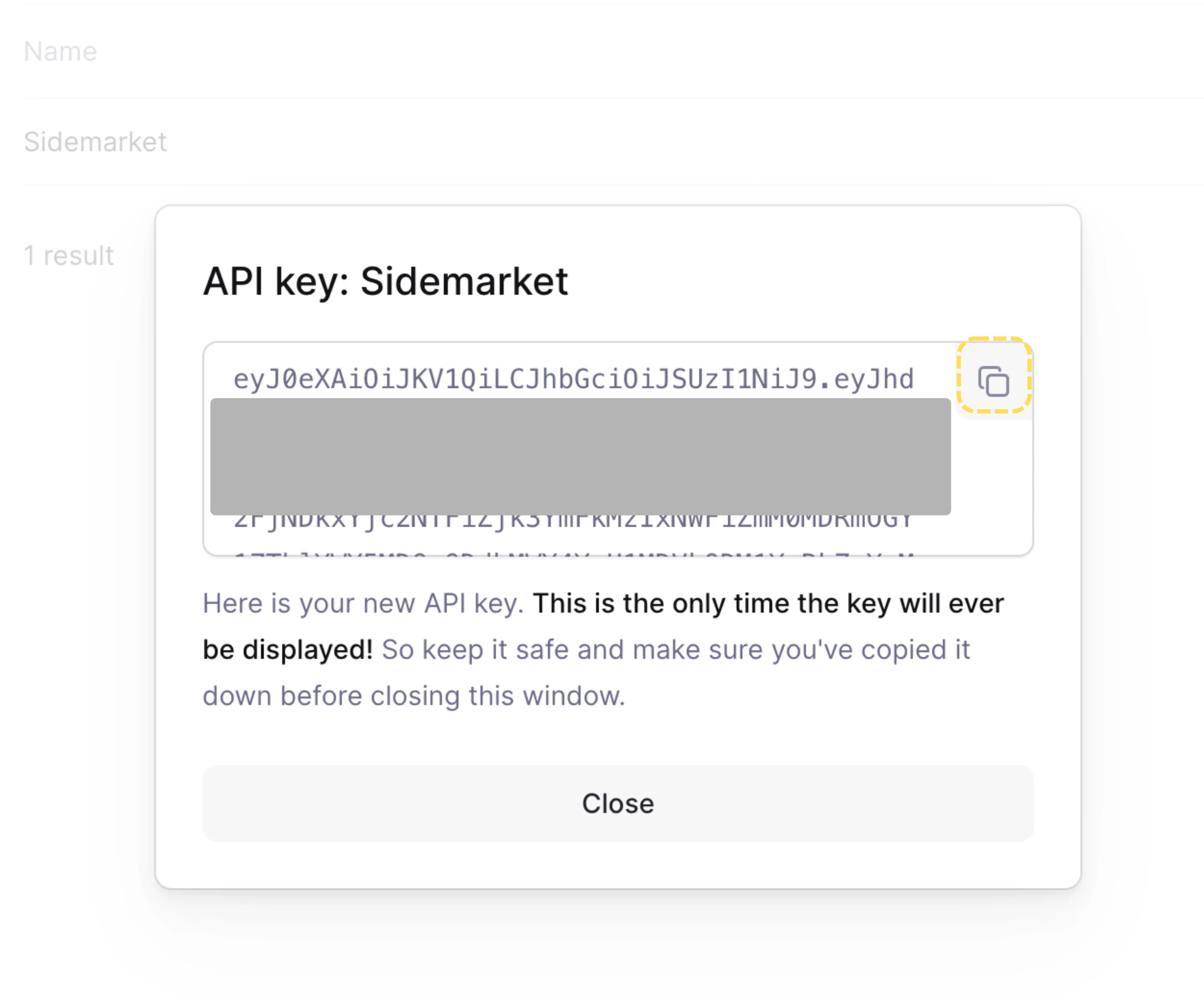
- Copy the generated API key immediately
- Return to SideMarket, paste the key into the Secret API Key field, and click Verify & Connect.