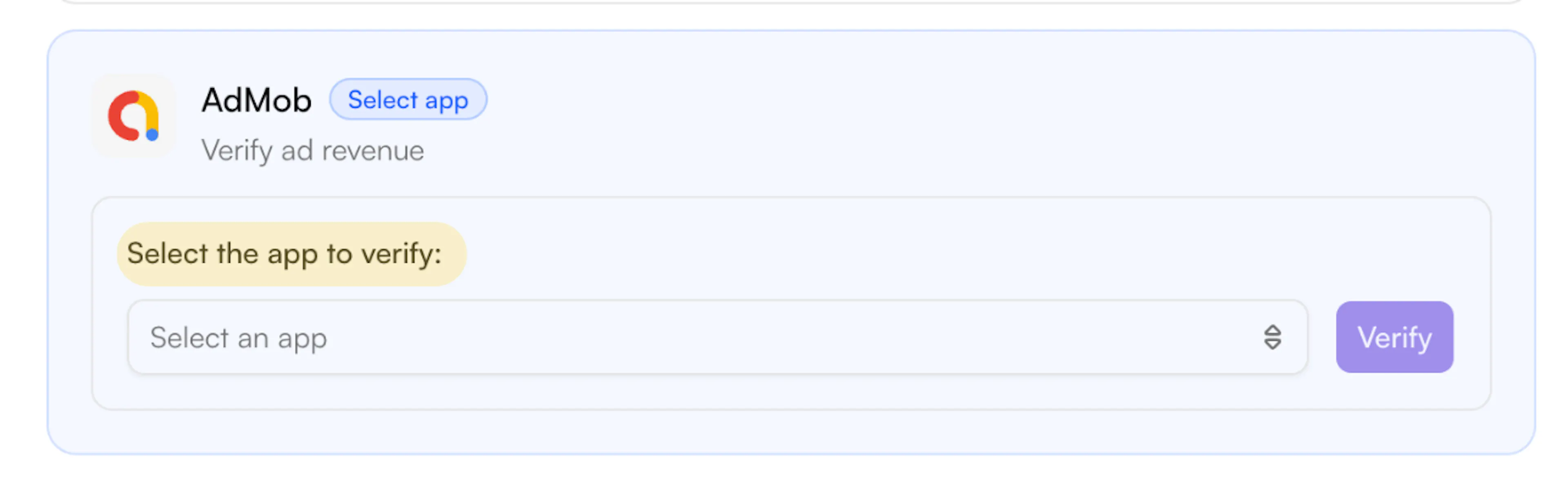

Verify Revenue – AdMob
Verify your ad revenue by connecting your AdMob account.
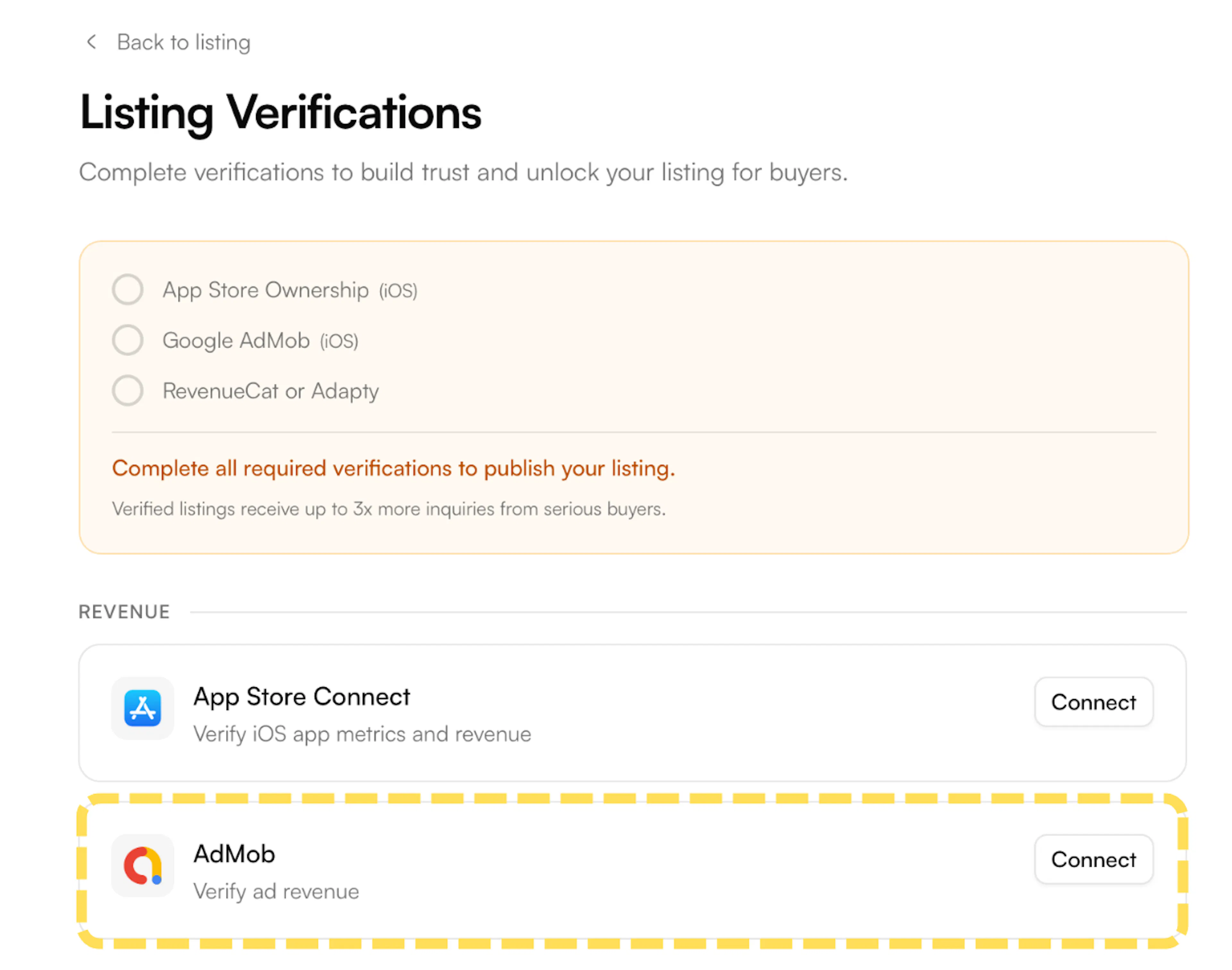
- On the Listing Verifications page, find AdMob under the Revenue section and click Connect.
-
A Google sign-in window will open. Sign in with the Google account linked to your AdMob account and grant the requested permissions.
-
Once connected, you'll see a dropdown to Select the app to verify. Choose your app from the list and click Verify.